
Answers Excel → PDF
Excel to PDF on a Mac — what works and what does not
Short answer: On a Mac, Excel exports to PDF through File → Save As → File Format: PDF, or through File → Print → PDF → Save as PDF. It paginates the same way it does on Windows, so the same rows split and the same columns fall off the right edge. CrazySmartPDF’s native add-in and desktop app are Windows-only and need Excel 2016+, so they are not an option for you. Its free web converter runs in any Mac browser, one file at a time.
The three routes that work on macOS
Excel for Mac: File → Save As → PDF. The direct route. Under Options you can choose the active sheet, selected sheets or the entire workbook, exactly as on Windows.
File → Print → PDF → Save as PDF. The macOS print dialog’s own PDF writer. Useful when Save As is misbehaving, and it takes the paper size from the print settings rather than from Excel’s page setup — occasionally that alone fixes a size mismatch.
Numbers. Opening an .xlsx in Numbers and exporting works, and it re-renders the file with Apple’s engine: fonts, conditional formatting and pivot layouts can shift. Fine for a rough copy, risky for anything client-facing.
The Mac-specific things worth knowing
- Page setup lives in two places. Excel’s Page Layout tab and the macOS Page Setup dialog can disagree about paper size, and the print dialog usually wins.
- Fonts substitute quietly. A workbook built on Windows with Calibri or a corporate font renders with whatever the Mac has, which changes column widths and therefore where the page breaks fall.
- Scale to Fit works identically. Width 1 page, Height automatic, landscape for wide sheets — the advice is the same on both platforms because the pagination is the same.
What is honestly not available to you
There is no Mac version of the CrazySmartPDF add-in or desktop app, and there is no plan you can buy that changes that today. The whole-folder batch, the offline run and the per-file self-check are Windows features because they drive the copy of Excel installed on that machine.
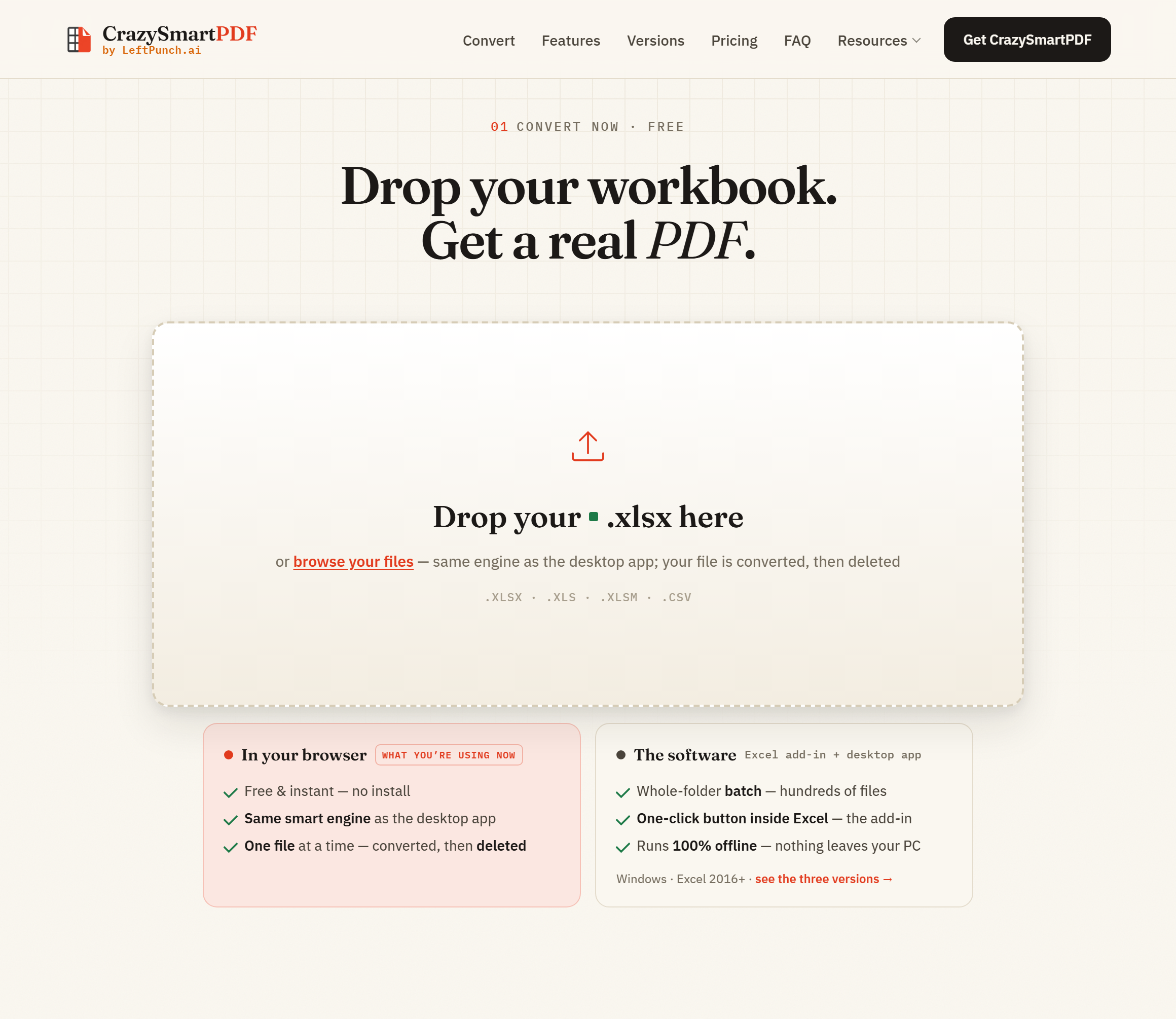
What does work from a Mac is the free web converter: drop in a single .xlsx, .xls, .xlsm or .csv, and the same layout engine lays the sheet out — columns measured, rows kept whole, a too-wide table sliced across pages rather than clipped. It uploads your file, converts it on the server and deletes it afterwards, so it is the right tool for an ordinary file and the wrong one for anything you are contractually barred from uploading. For those, Excel’s own local export on your Mac is the honest answer.
FAQ
Is there a Mac version of CrazySmartPDF? No. The add-in and desktop app run on Windows with Excel 2016+. The web converter works in any Mac browser for a single file at a time.
Does Excel for Mac produce a different PDF from Excel for Windows? The pagination logic is the same, but font substitution and paper-size defaults differ, so the same workbook can break pages differently on the two platforms.
Can I batch-convert a folder of workbooks on a Mac? Not with the tools on this site. A short AppleScript or an Automator action driving Excel for Mac is the usual local answer; LibreOffice in headless mode also runs on macOS.
Why does my Mac export lose the company font? Because the font is not installed on the Mac and something else is substituted. Install the font, or convert on a machine that has it, before treating the layout as final.