Use cases · 12
These are the documents people convert over and over: client-facing, wider than the paper, and due again next month. Find yours and see what the layout pass and the whole-folder run do to it.
The same workbook shape repeated across a folder, and the reader is the person paying you. A split row or a missing column is something they find first.
Several sheets that have to arrive as one PDF, on the same day every month, with the covers and pivots still looking like your template.
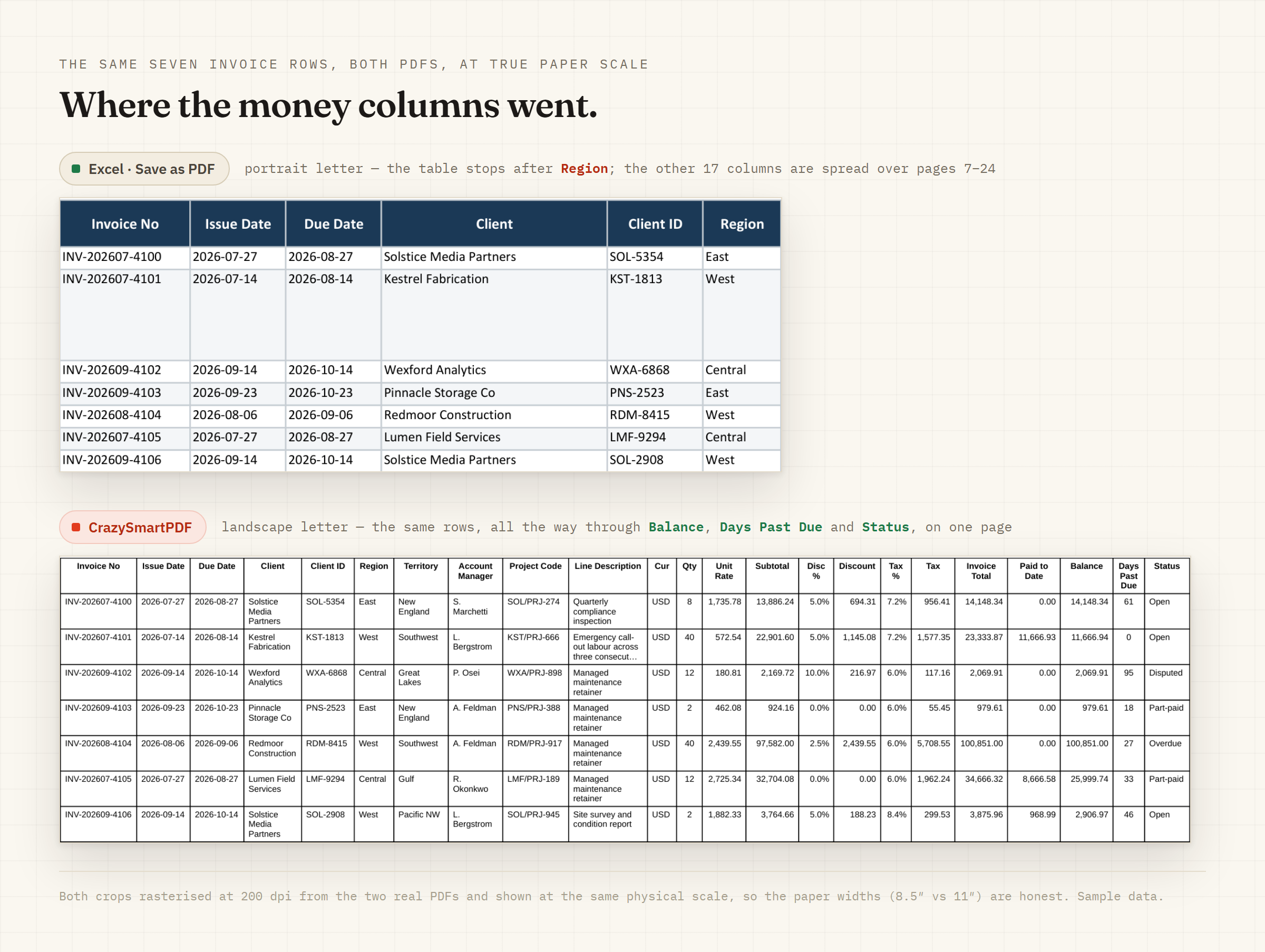
The case where Save as PDF either slices the far columns off at the margin or shrinks the whole sheet until the numbers are unreadable.
Run one of yours through it
The browser converter takes one workbook and hands back the PDF. It is free, there is no signup, and your file is deleted after the conversion. For the whole folder in one pass, offline, the Windows desktop app needs Excel 2016 or newer.
