
Blog
Where your spreadsheet actually goes when you use an online converter
Upload converters run your file through a server-side render and delete it on a timer. That window — not malice — is what a confidentiality policy has to reckon with. Including ours, stated plainly.
Short answer: When you drop a spreadsheet into a browser converter, the file is uploaded to that company’s servers, rendered there by their engine, and stored until a deletion timer runs out. Reputable operators publish that timer and honour it: Smallpdf says one hour, iLovePDF says two, Aspose says twenty-four. The free converter on this site deletes the file right after converting. None of that is sinister. It is simply a copy of your data on a machine you do not control for a period you did not choose, and that is the thing a confidentiality clause cares about.
The actual sequence
- Your browser sends the file over an encrypted connection to their server.
- The file is written to disk or object storage — it has to be, because the renderer reads a file.
- Their engine renders it and writes a PDF alongside it.
- You download the PDF over the same encrypted link.
- A scheduled job deletes both, some time later.
Steps two and five are the whole conversation. The encryption in steps one and four is real and is not what anyone is worried about; it protects the file in transit, not at rest on their disk.
The published windows
| Service | Stated deletion |
|---|---|
| Smallpdf | one hour after upload |
| iLovePDF | two hours after upload |
| Aspose | twenty-four hours after upload |
| The free converter on this site | right after converting |
Two honest caveats about that table. These are the operators’ own published statements, not something anyone here has audited — a policy is a promise, and the difference between a promise and a verified fact is worth keeping straight. And backups are a separate question from deletion: a file removed from the live store can still exist in a snapshot for longer, at any of these companies, including this one.
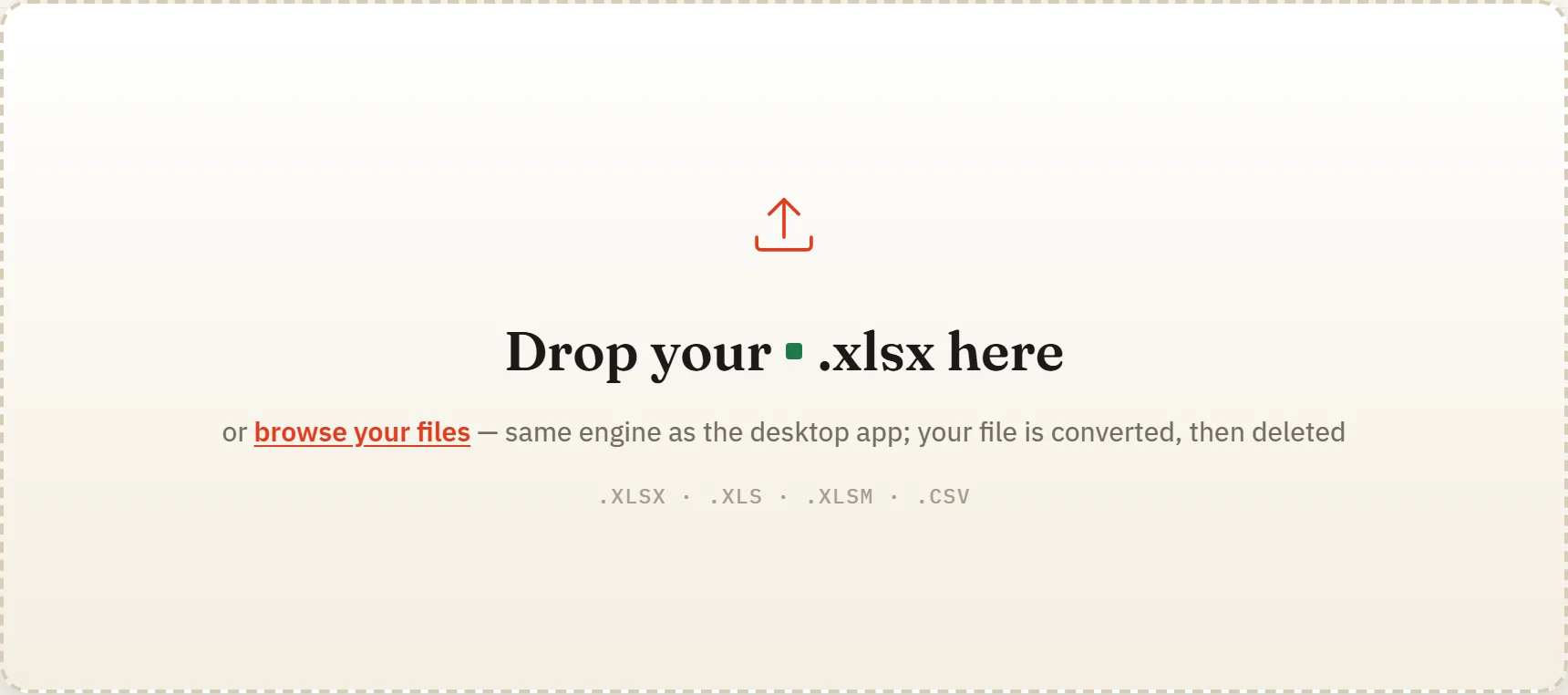
Our own tool, unretouched. The line about the file being converted and then deleted is on the page itself, because a claim about how your data is handled belongs where you make the decision, not three clicks away in a policy document.
When the window does not matter, and when it does
It does not matter for most things people convert. A rate card, a public schedule, a template, a sheet of test data — the risk of a copy existing for an hour on a well-run server is close to nothing, and the convenience of a browser tool that needs no install is real.
It does matter for four kinds of file, and they are exactly the kinds people convert most often at month end: payroll, client financials, anything under an NDA, and anything containing personal data belonging to someone who did not agree to it being uploaded. For those, the question is not whether the operator is trustworthy. It is that you cannot demonstrate to a client or an auditor that their data never left your machine — because it did.
The alternative is boring and complete
Convert locally. Excel’s own Save as PDF is local. LibreOffice is local. CrazySmartPDF’s Windows add-in and desktop app are local: they run entirely on your PC, never modify the original, and nothing is uploaded. Against upload-based converters that is a genuine difference; against Excel’s own export it is parity, and the difference there is the layout and the self-check rather than the privacy.
That is the honest shape of it. On-device conversion does not make anything safer than Excel already is. It makes the question disappear, which is what you actually wanted when you started reading a converter’s privacy policy at eleven at night.
What to do with this
Decide once, per document type, rather than per file. Public and low-sensitivity documents: use whatever browser tool is fastest, including ours. Payroll, client financials, personal data: convert on the machine, every time, no exceptions — because the exception is the one that gets asked about.
CrazySmartPDF’s native apps need Windows with Excel 2016+ and are free to run on your own files. See how it works, or read the comparison of the offline routes.